How to Write a Changelog Users Actually Read

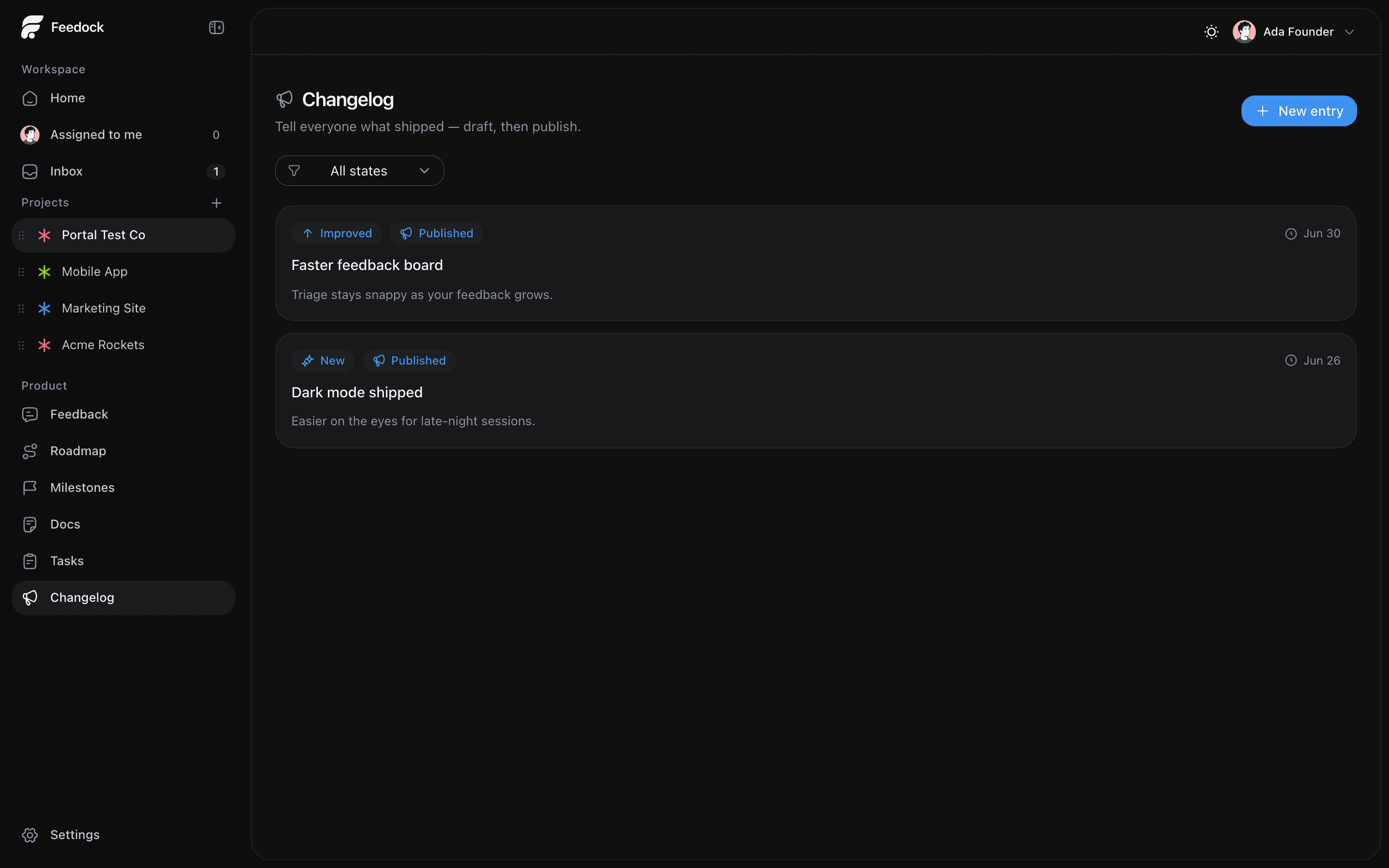
If you want to know how to write a changelog that people actually open, start with one shift: a changelog is not a git log. It is a short, human note that tells the people who use your product what changed, why it matters to them, and who asked for it. Do that well and your changelog becomes a trust signal instead of a wall of noise nobody reads.
This guide covers what a good entry contains, the tone to aim for, a cadence you can keep, the three categories worth using, and how to close the loop by telling the people who requested a change that it shipped.
What a good changelog entry contains
Most changelog entries fail because they answer the wrong question. They tell users what you did instead of what changed for them. A strong entry has three parts, and you can write all three in a couple of minutes.
- What changed. One plain sentence describing the change from the user's side, not the implementation. "You can now filter the board by assignee," not "Refactored the query layer to support assignee predicates."
- Why it matters. The outcome. What can someone do now that they could not do before, or what pain is gone? This is the line that earns the read.
- Who asked. If the change came from feedback, say so. "Requested by 14 of you" tells people their voice moves the product, and it quietly proves you listen.
Not every entry needs all three lines fully spelled out, but every entry should make the outcome obvious. A title and one sentence is often enough. Skip internal jargon, ticket numbers, and version bumps that mean nothing to the reader.
Tone: write like a person, not a release bot
The tone that works is plain, direct, and second-person. Talk to the reader as "you." Keep sentences short. Lead with the benefit. You are not writing a legal notice or a marketing blast; you are telling a customer something useful in the fewest words that still land.
- Use active voice and present tense: "You can now export to CSV."
- Cut filler. No "we are thrilled to announce," no empty superlatives.
- Match your product's voice. A developer tool can be terse and technical; a consumer app can be warmer.
- Be honest about fixes. "Comments no longer disappear on refresh" is more trustworthy than "stability improvements."
A changelog is a conversation with the people who stuck around. Write it like you would tell a customer over coffee, not like a press release.
Cadence: ship notes little and often
A healthy cadence beats a big monthly dump. Publishing small entries as things ship keeps the log alive, keeps each note focused, and keeps you honest about actually shipping. A dormant changelog reads as a dead product.
- Publish when something ships that a user would notice. That might be twice a week or twice a month, depending on your pace.
- One meaningful change per entry. Don't bundle ten unrelated fixes into a single unreadable post.
- Bundle only trivial fixes into a short "Fixed" roundup so the feed stays clean.
- Consistency matters more than volume. A steady trickle builds the habit of people checking back.
Categories: New, Improved, Fixed
Three categories cover almost everything and let readers scan for what they care about. Resist the urge to invent more; extra labels add friction without adding clarity.
- New for capabilities that did not exist before. A new feature, a new integration, a new page.
- Improved for things that already existed and now work better, faster, or with more options.
- Fixed for bugs. Name the actual bug in user terms so people know whether it affected them.
Before and after: two short examples
Here is the difference the three-part rule makes. Same change, two entries.
Example 1: a new feature
Before: "Added assignee support to boards (v2.4.0)."
After: "New: filter your board by assignee. You can now see just the work on your plate, or check what a teammate has open, without scrolling the whole board. Requested by 14 of you."
Example 2: a fix
Before: "Various stability improvements and bug fixes."
After: "Fixed: comments no longer vanish after a page refresh. If you posted a comment and it disappeared when the page reloaded, that is gone. Your comments now save the moment you post them."
The "after" versions take barely longer to write and give the reader a reason to care. The "before" versions could describe any product on earth.
Close the loop: notify the people who asked
The most under-used move in changelog writing is telling the specific people who requested a change that it shipped. When someone asked for a feature and later gets a note that says "the thing you asked for is live," that is the moment casual users become fans. It also does something a public feed cannot: it reaches people who were not going to check your changelog on their own.
To do this you need to connect feedback to the change to the people. That means tracking who requested what, then notifying those requesters (plus anyone subscribed to updates) at publish time. If you keep feedback in one tool and write changelogs in another, this step usually gets skipped because it is manual and tedious.
How Feedock helps you write and ship changelogs
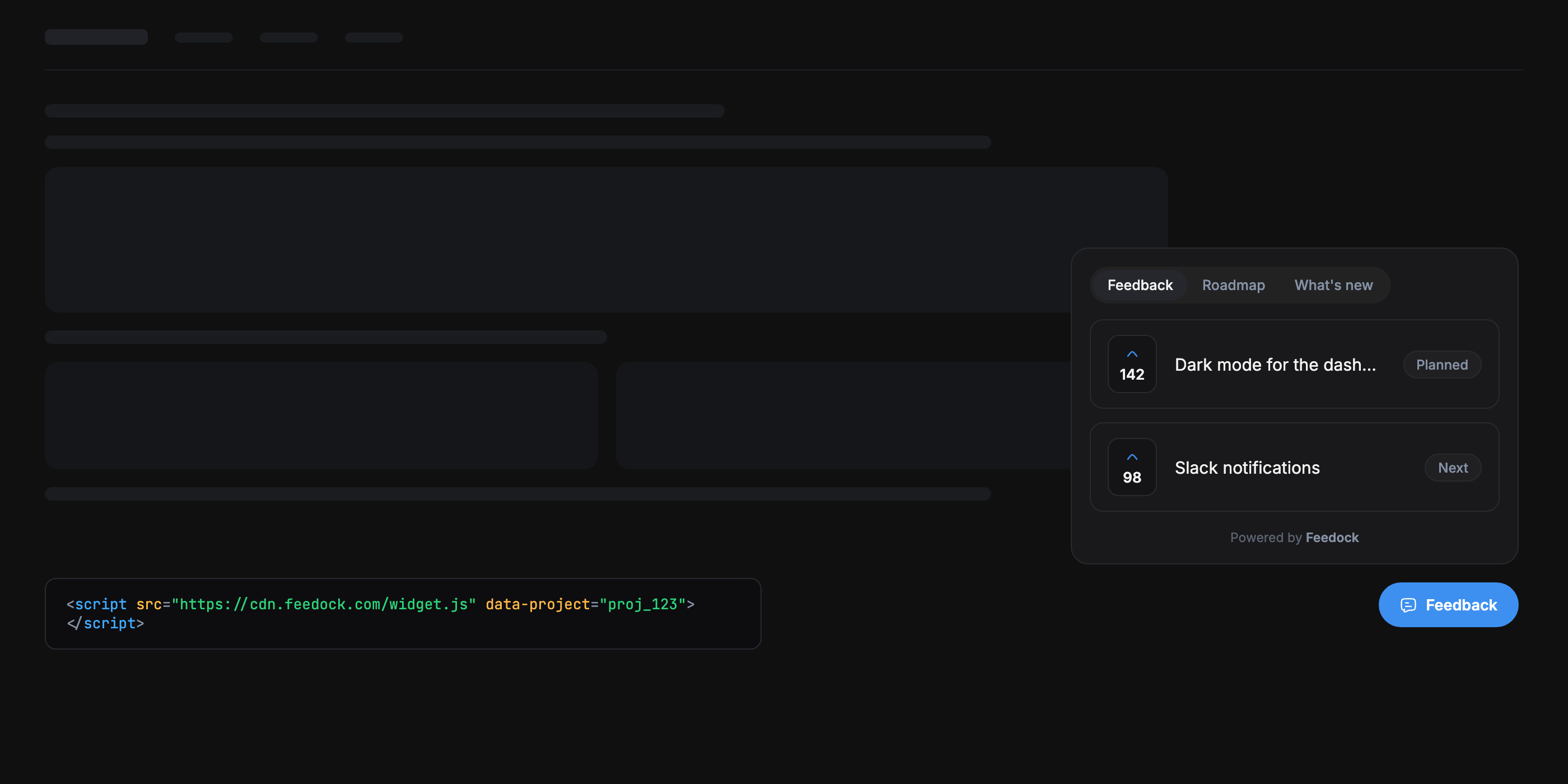
Feedock is built around the loop from feedback to shipped, so the changelog is not a separate chore bolted on at the end. When a request comes in through your feedback board, it can become a roadmap item, then tasks, and when the work ships, the changelog entry writes itself into that same chain.
- AI drafts, you approve. Feedock can draft an entry from the shipped work, with a category and a plain-language summary. You edit and publish; the AI never publishes on its own, and a human always signs off.
- Draft, Review, Published. Entries move through a simple flow so nothing goes public before it is ready.
- "Who asked" is built in. Because the entry is linked to the original feedback, Feedock knows which requesters to credit and notify.
- Requesters get told automatically. On publish, the people who asked (verified by email, no account needed) and your subscribers get notified that their request shipped. AI never sees their email addresses.
The result is that writing a changelog stops being a context-switch. The feedback, the work, and the note that closes the loop all live in one workspace, so the entry is easy to write and the notification actually goes out.
Frequently asked questions
How often should I update my changelog?
Publish whenever you ship something a user would notice, aiming for a steady rhythm rather than a big monthly batch. For most small teams that lands somewhere between a few entries a week and a few a month. Consistency matters more than volume.
What is the difference between a changelog and release notes?
Release notes are usually tied to a version number and written for a technical audience; a changelog is a running, user-facing feed of what changed and why it matters. For most products aimed at end users, a plain changelog organized by New, Improved, and Fixed is easier to read than version-tagged release notes.
Should I notify users about every changelog entry?
Notify the specific people who requested a given change every time, since that message is relevant to them. For broad announcements, let people subscribe and send those on a lighter touch so you do not train subscribers to ignore you.
A changelog people read is not about clever writing. It is about saying what changed, why it matters, and who asked, on a steady cadence, and then telling the right people it shipped. Feedock keeps feedback, execution, and the changelog in one place so that loop closes on its own. start free and turn your next shipped feature into a note the people who asked for it actually read.